Play
Play at play.nostalgialab.org lets you play retro games directly in your browser. It uses a WebAssembly-based emulator that runs directly in your browser.
Before You Start
Make sure you have all three of these:
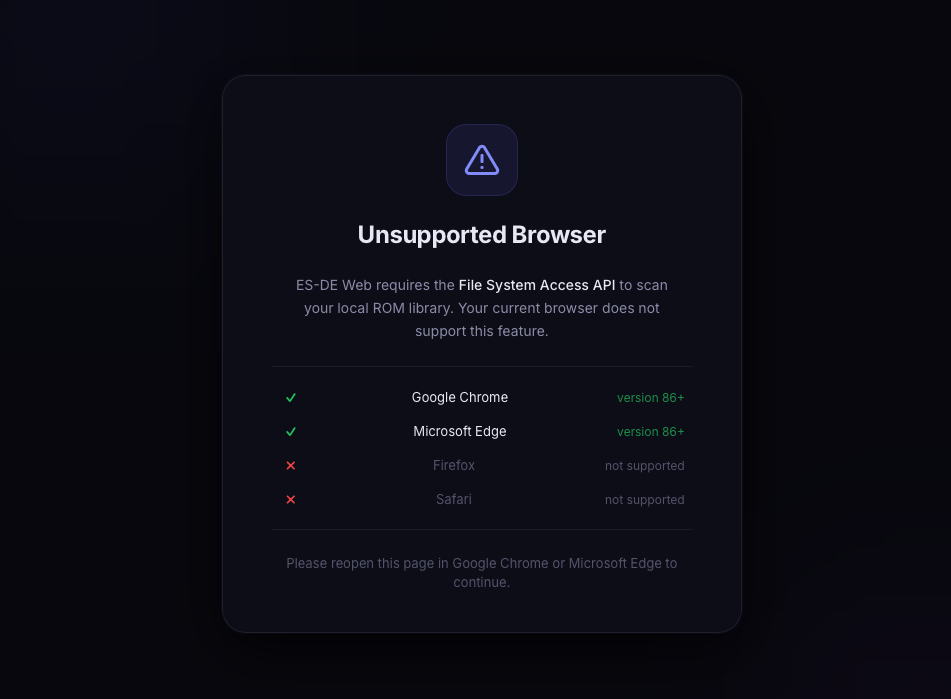
- Chrome, Edge, Brave, or Opera (version 86+). Firefox and Safari are not supported.
- A free Nostalgia Lab account (sign in with Google, Microsoft, or Discord).
- ROM files stored in a local folder on your computer. Nostalgia Lab does not host or distribute ROMs.
How to Play a Game
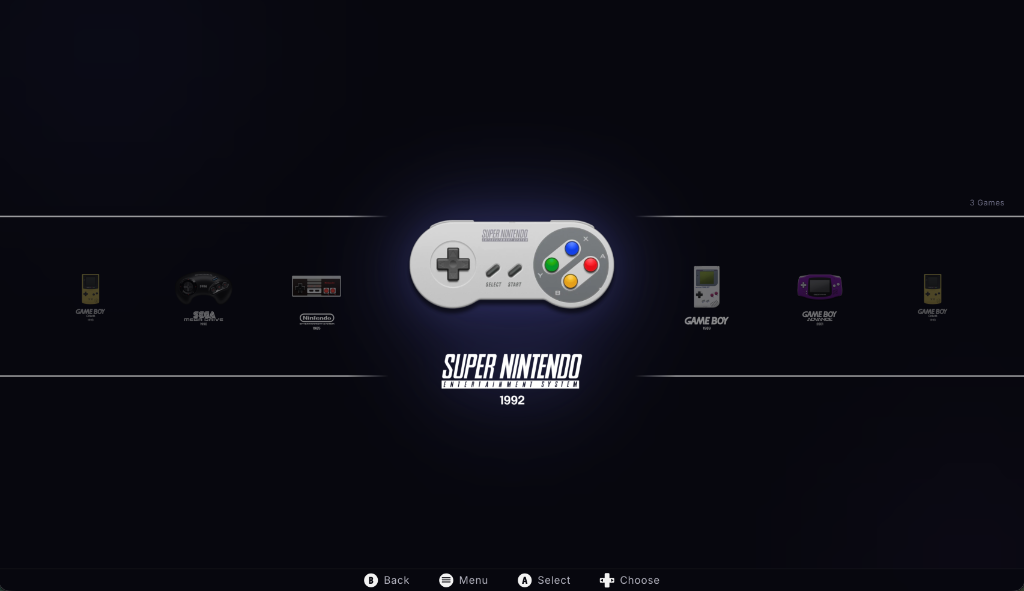
- Navigate to play.nostalgialab.org
- Log in with your free Nostalgia Lab account (Google, Microsoft, or Discord).
-
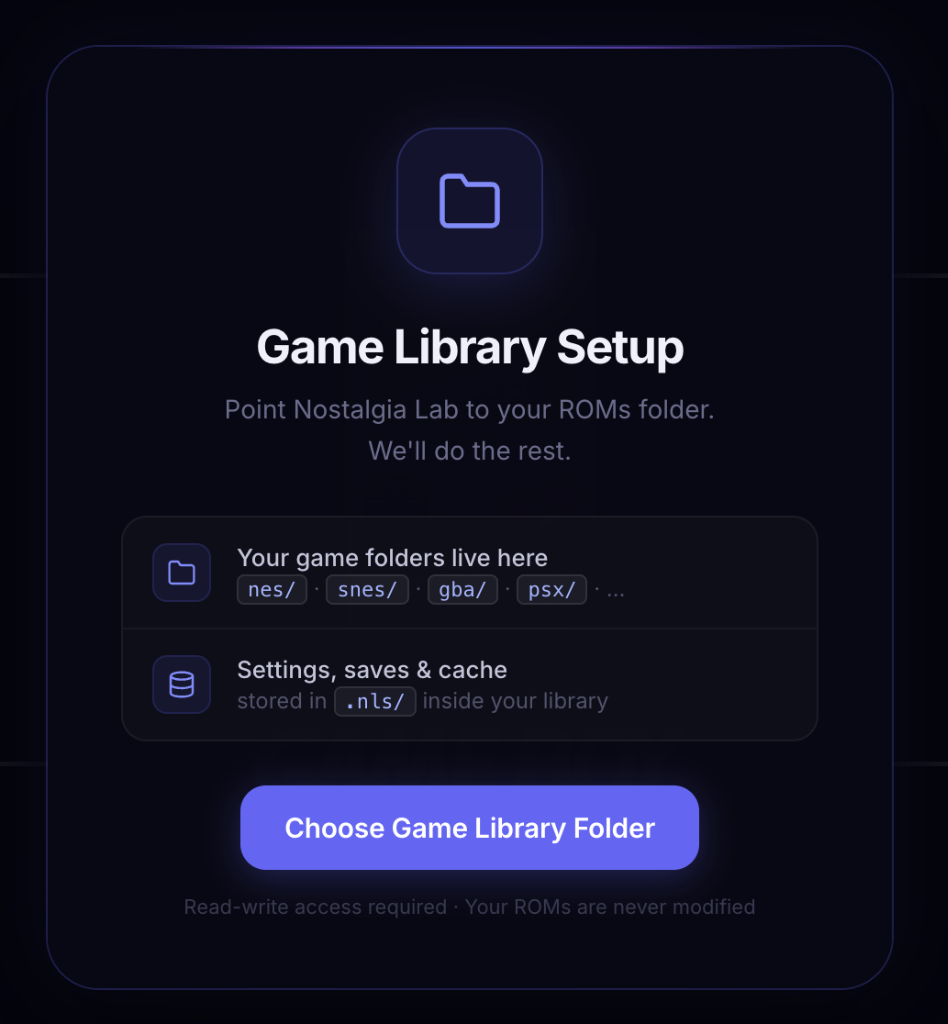
First visit only: The "Game Library Setup" modal appears. Click "Choose Game Library Folder" and select the Game Data Folder on your local device containing your ROMs. Read-write access is required; your ROM files are never modified.
How to organize your Game Data Folder
Play looks for games inside subfolders named after each system. Files can be raw ROMs or
.ziparchives. Your folder should look like this:The subfolder names must match the system IDs in the Supported Systems table (e.g.,My Games/ ├── nes/ │ ├── game1.nes │ └── game2.zip ├── snes/ │ └── game1.sfc ├── gba/ │ └── game1.gba └── ...nes,snes,gba,psx). -
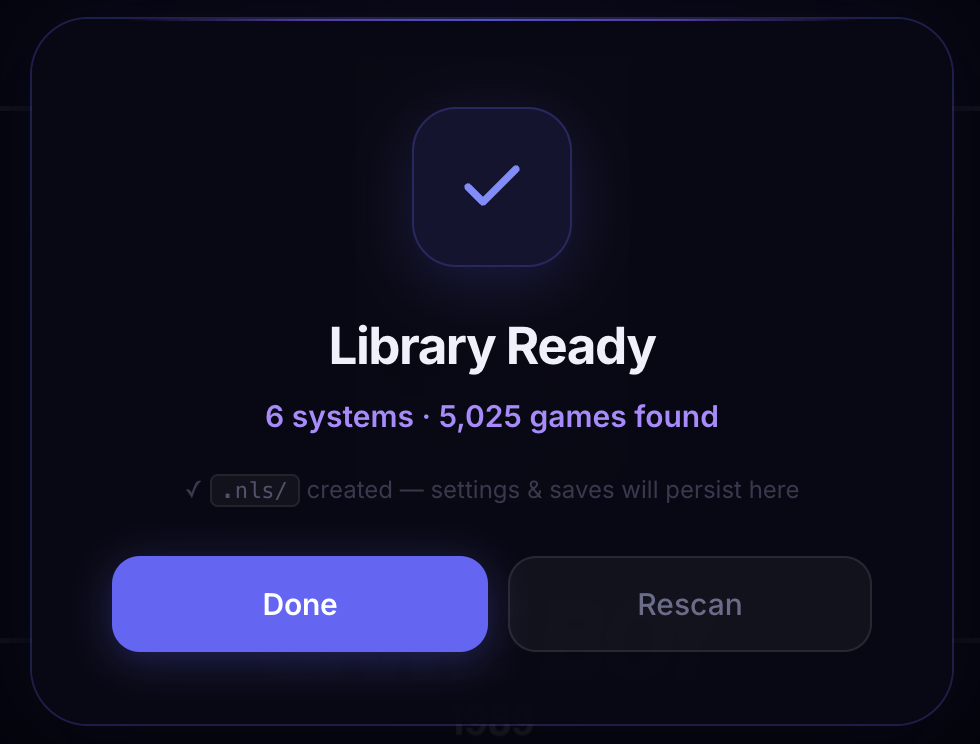
Wait for the scan. Play scans your subfolders and creates a
.nls/folder inside your Game Data Folder for saves and settings. On success you see "Library Ready -- X systems found, Y games found."
-
Select a gaming system from the 27 supported platforms.
-
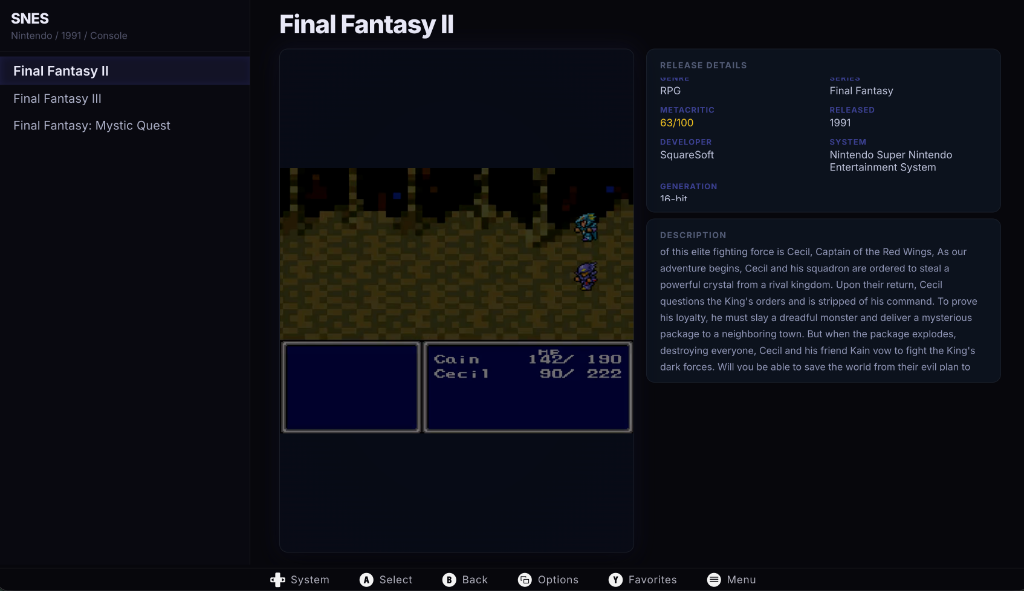
Browse games matched from your local ROM files.
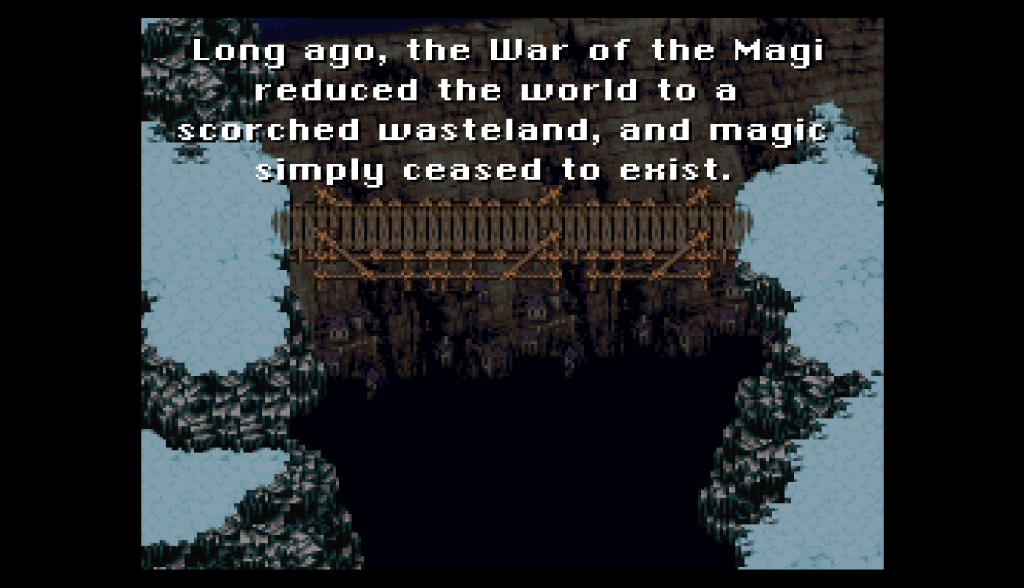
- Click a game to launch the in-browser emulator.
Tip
If the emulator appears stuck on a loading screen, a safety timeout will automatically dismiss the loading overlay after 15 seconds. You can also try refreshing the page.
Troubleshooting
| Problem | Cause | Solution |
|---|---|---|
| "Your browser is not supported" | Firefox, Safari, or another non-Chromium browser detected | Switch to Chrome, Edge, Brave, or Opera. Play requires the File System Access API, which only Chromium browsers support. |
| Black screen on game load | ROM file not found in granted directory, or wrong file format | Verify the ROM file exists in your granted directory. Check that the filename matches the expected format for that system. Try re-granting directory access. |
| Game does not appear in library | ROM filename does not match expected format | Ensure your ROM files use standard naming. Re-grant directory access if you moved files. |
| No sound | Browser tab muted or system audio issue | Right-click the browser tab and select "Unmute." Check your system volume settings. |
| Controller not detected | Gamepad not recognized by HTML5 Gamepad API | Press a button on the controller after connecting it. Try chrome://gamepad-tester to verify detection. Try a different USB port or controller. |
| Emulator stuck on loading | ROM transfer or iframe communication failure | Wait 15 seconds for the safety timeout to fire. If still stuck, refresh the page and try again. |
| Directory picker not appearing | Browser permission issue | Ensure the site has permission to access local files. Check that no browser extensions are blocking the dialog. Try in a new tab. |
| "Login required" message | Not authenticated | Log in with your free Nostalgia Lab account via Google, Microsoft, or Discord. |
FAQ
Q: Do I need to download anything?
A: No. The emulator runs entirely in your browser via WebAssembly. You only need ROM files stored locally.
Q: Are ROM files stored on Nostalgia Lab servers?
A: No. ROM files are read directly from your local filesystem and are never uploaded to any server.
Q: Can I use a gamepad?
A: Yes. Any USB or Bluetooth gamepad compatible with the HTML5 Gamepad API should work. Connect it before launching a game and press a button to register it.
Q: Why does it not work on Firefox or Safari?
A: Play requires the File System Access API to read ROM files from your local directory. This API is currently only supported in Chromium-based browsers (Chrome, Edge, Brave, Opera).